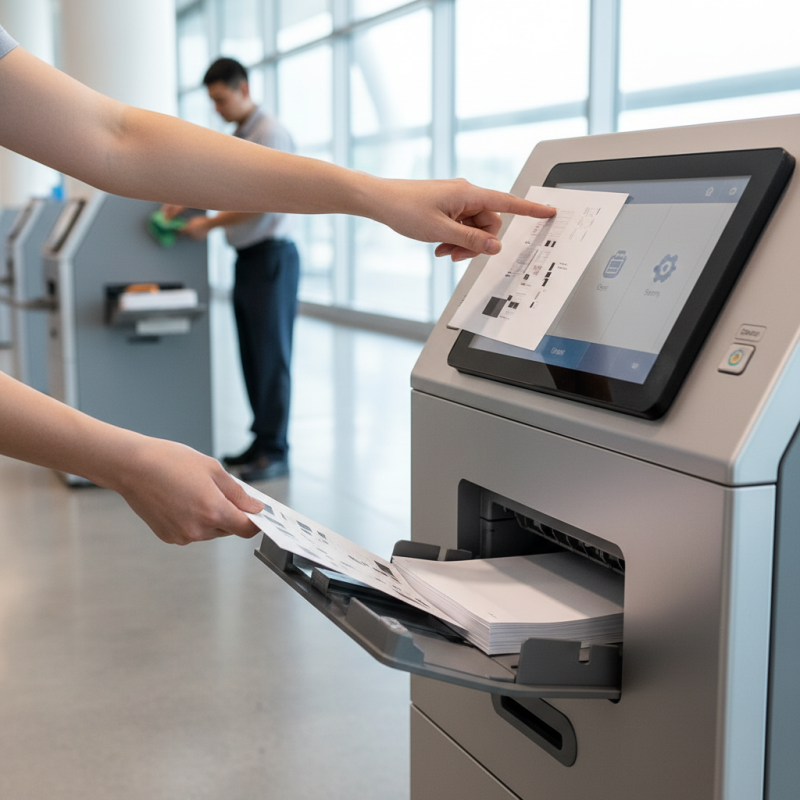
Digital Kiosk Printer Tips for Optimal Usage and Maintenance?
Digital kiosk printers have become essential tools in various public spaces. They help users access services smoothly and efficiently. However, many overlook the importance of proper usage and maintenance.
When using a digital kiosk printer, user experience matters. A well-maintained printer produces high-quality prints. Unfortunately, many face issues like paper jams or low ink warnings. These problems can frustrate users and disrupt service. Frequent checks can prevent such issues.
Proper maintenance is crucial for longevity. Regular cleaning can help avoid malfunctions. Users should familiarize themselves with basic troubleshooting steps. Understand the printer’s features and limitations. Reflecting on past experiences can lead to improved practices. Emphasizing care and diligence ensures optimal performance from the digital kiosk printer.
Understanding Digital Kiosk Printers: Basics and Types
Digital kiosks have transformed how businesses interact with customers. There are various types of digital kiosk printers. These include thermal, inkjet, and label printers. Each type serves different applications and industries. For example, thermal printers are popular in retail for receipts. They are fast and efficient.
Data from industry reports indicate that 75% of consumers prefer digital kiosks for quick service. This trend reflects a growing reliance on self-service technology. However, improper maintenance can lead to downtime. Routine checks are essential.
Paper jams and ink issues can disrupt service flow. Many operators overlook these details. Regular cleaning and calibration can mitigate such problems.
Digital kiosk printers also face challenges with software integration. Ensuring compatibility with payment systems is critical. Some users report failed transactions due to outdated software. Regular updates are key for optimal performance. Companies must invest in training staff. Awareness of common issues will enhance the user experience. Adapting to the evolving landscape is a continuous process.
Key Features of Digital Kiosk Printers for Optimal Performance
When considering digital kiosk printers, key features can greatly impact performance. Speed is essential. A printer that processes jobs quickly keeps customers satisfied. Nobody likes waiting in line. A reliable printer should deliver crisp, clear prints every time. It’s not just about speed; quality matters too.
Connectivity options are another crucial aspect. Multiple connections, such as Wi-Fi and USB, provide flexibility. Users should move easily between devices. However, too many connections can complicate usage. Users may find themselves stuck when software doesn’t recognize a device. Therefore, balance is vital.
Durability is also important in high-traffic areas. Kiosks often face heavy use, so a sturdy printer will last longer. Yet, maintenance can pose challenges. Regular cleaning and troubleshooting are necessary to avoid downtime. Not addressing minor issues can lead to major repairs later. Recognizing these factors will improve overall performance while using digital kiosk printers.
Best Practices for Operating Digital Kiosk Printers Efficiently
Operating a digital kiosk printer efficiently requires attention to several best practices. Regular maintenance is crucial. Check ink levels frequently. Clogged nozzles often lead to poor print quality. A simple cleaning cycle can prevent this issue. Ensure the paper feed is working smoothly. Adjustments may be needed if paper jams occur often.
User experience matters. Provide clear instructions near the kiosk. Users often feel confused when they can't see how to operate the machine. Keep the area around the kiosk tidy to prevent obstruction. A clean workspace makes a better impression. Not everyone understands technology, so be patient and encouraging when helping users.
Monitor usage patterns to identify peak times. This can help you manage supplies better. You may notice that the printer runs out of paper during busy hours, leading to frustration. It’s important to stay proactive. Allow time for refills and maintenance, especially before large events. Being prepared can reduce downtime.
Reflecting on these aspects can lead to sm smoother operations and enhanced user satisfaction.
Essential Maintenance Tips to Extend the Life of Your Printer
Regular maintenance is crucial for extending the life of your digital kiosk printer. Dust and dirt can affect print quality over time. To avoid this, clean the printer regularly. Use a soft cloth to wipe the exterior. Make sure to give attention to the print head too. A clogged print head can lead to issues. It’s essential to run cleaning cycles when you notice problems.
Check the paper supply frequently. Using the wrong type of paper can cause jams. Ensure the paper is stored in a dry place. Moisture can ruin your print jobs. Avoid loading too much paper; this can lead to misfeeds. Pay attention to the printer’s alert system. Ignoring notifications may lead to bigger problems down the road.
Keep the printer firmware updated. Updates can fix bugs and improve performance. Yet, not everyone checks firmware status regularly. This oversight can result in decreased efficiency. Regularly assess your printer’s performance. If print quality declines, investigate potential issues promptly. Ignoring these signs may lead to expensive repairs later. Maintain your digital kiosk printer with these simple practices for optimal use.
Troubleshooting Common Issues with Digital Kiosk Printers
Digital kiosk printers play a vital role in providing instantaneous printing solutions in various industries. However, users often face challenges. Common issues include paper jams, connectivity problems, and ink levels. Research indicates that about 30% of kiosk printer malfunctions stem from paper jams. Regularly checking for obstructions can help prevent these disruptions.
When troubleshooting connectivity issues, ensure the printer firmware is up to date. Many users overlook this critical step. Reports suggest that nearly 25% of users fail to maintain their printer software. Simple updates can significantly enhance performance. Additionally, monitoring ink levels is crucial. A low ink indicator may not work effectively in all models. Keeping an eye on actual usage can prevent unexpected delays.
Maintenance routines seem tedious, yet they are essential. Many users neglect to clean the printer regularly. Dust and debris accumulate quickly, affecting print quality and speed. Industry data shows that 40% of printing issues are linked to poor maintenance. Making time for regular check-ups could save significant hassle later on. Addressing these common pain points can lead to a smoother user experience with digital kiosk printers.
Digital Kiosk Printer Usage Statistics
This chart illustrates the common issues faced by users of digital kiosk printers over a span of six months. The data represents the frequency of various issues including paper jams, connectivity problems, print quality issues, and low ink alerts.